

How can we help?
Creating App Passwords
You can create and delete app passwords from the Additional security verification page for your work or school account.
Sign in to the Additional security verification page, and then select App passwords.

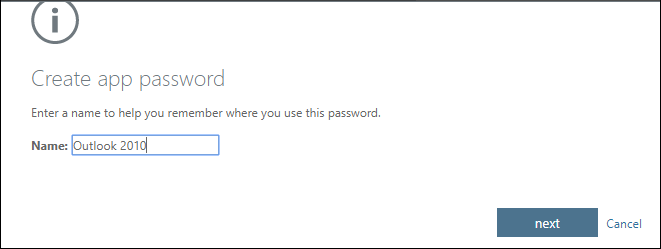
Select Create, type the name of the app that requires the app password, and then select Next.
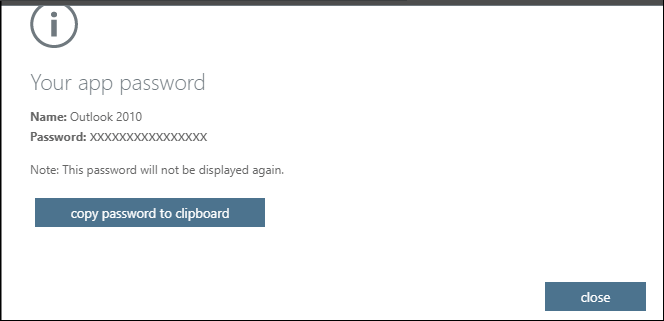
Copy the password from the Your app password page, and then select Close.
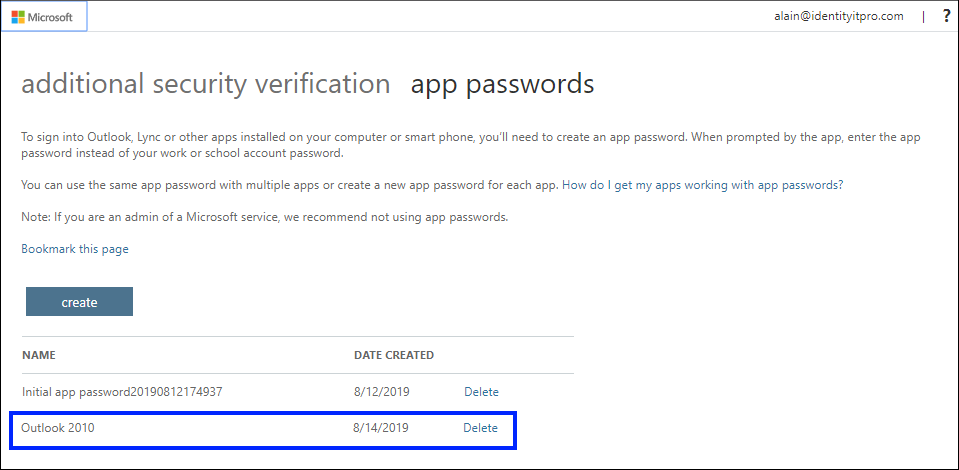
On the App passwords page, make sure your app is listed.
Open the app you created the app password for (for example, Outlook 2010), and then paste the app password when asked for it. You should only have to do this once per app.